VisiOpal, the software suite for your vision inspection

For more than 30 years, VisiOpal has driven cameras, processed images, communicated with PLCs, motors and databases, and displayed an interface that matches your line. One software package, from acquisition to report.

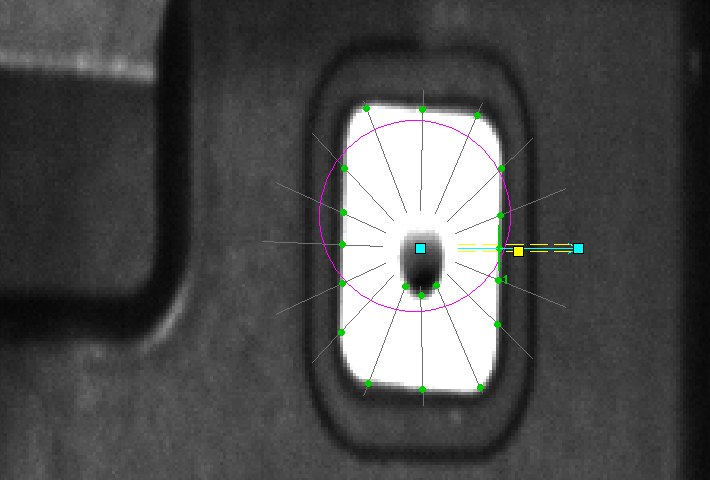
Machined flange seen by the camera, alternating: a good part (circles fitted on the outer diameter, the bore and the four holes, DataMatrix read, marking framed, OK verdict), then a part with a chipped edge, flagged in red, NOK verdict
Example of a machined flange inspection: diameters, hole spacing, DataMatrix and marking checked in the same program, with a verdict for each part. Here, a good part, then a part with a chipped edge.
30 yearsof continuous development by the Opales vision team
Dozensof installations in production around the world
All industriesautomotive, steel, food, pharmaceuticals, cosmetics, packaging
Over 60 fpshigh speeds: acquisition, processing and decision at the pace of the line
Much more than a vision system

A true software suite

A conventional vision system takes an image and returns a verdict. VisiOpal covers the whole chain: it paces acquisition, chains the processing steps, decides, controls the equipment, archives and presents the result to the operator.

VisiOpalcycle, decisions, sequence
Camerasarea, line, 3D, IR
Image processingin-house tools, AI, VisionPro
PLCs and axesPROFINET, EtherNet/IP, Modbus
DatabaseSQL Server, Access, SQL
Operator interfacebuttons, images, menus
OpennessPython, MCP, AI, robots, lasers
to VisiOpal: images, measurements, statesfrom VisiOpal: commands, results, display

Acquisition

Direct camera control, triggering, multi-camera, more than 60 images per second.

Image processing

Conventional tools, pattern, codes, colours, AI: all programmed without code.

Communication

Inputs/outputs, PLCs, motors, lasers, robots: VisiOpal commands and reports back.

Data

Results, images and counters in the database, analysed and exported as XLS or PDF.

Human-machine interface

Fully configurable operator screen, in the customer's colours and ways of working.

Acquisition

All cameras, all interfaces

VisiOpal natively integrates the manufacturers' SDKs: no gateway, no intermediate layer, the camera is driven directly by the software, at more than 60 images per second.

Manufacturers

Basler (Pylon), IDS uEye, Optris thermal cameras, and simulated acquisition from files for offline development.

BaslerIDS uEyeOptrisSimulation

Interfaces

Coaxial, USB 3, Gigabit Ethernet: the interface is chosen according to distance and bandwidth, not according to the software.

CoaxialUSBGigE

Sensor types

Area-scan cameras, line-scan cameras for moving products, time-of-flight cameras for 3D, infrared cameras for thermal imaging.

Area-scanLine-scanTime of flightInfrared

Colour and greyscale

R, G, B planes used directly by the colour tools; 8- to 24-bit images, synchronised multi-camera.

ColourGreyscaleMulti-camera

High speeds

More than 60 images per second: acquisition runs in parallel with processing, every image is processed and the verdict given at the pace of the line, without losing a single one.

Over 60 fpsExternal triggerReal time
Image processing

Our own algorithms, our own tools

VisiOpal tools are developed and maintained by Opales, building on OpenCV, the leading open-source image processing library. They run with no third-party licence on every installation and evolve with our customers' needs. Cognex VisionPro tools remain available as an option.

Conventional tools

  • Edges and contours, sub-pixel
  • Histograms, thresholding
  • Blobs, objects, sorting, shape filters
  • Geometry, line, circle and ellipse fitting
  • Filters, morphology, coordinate frames and calibration

Opales tools

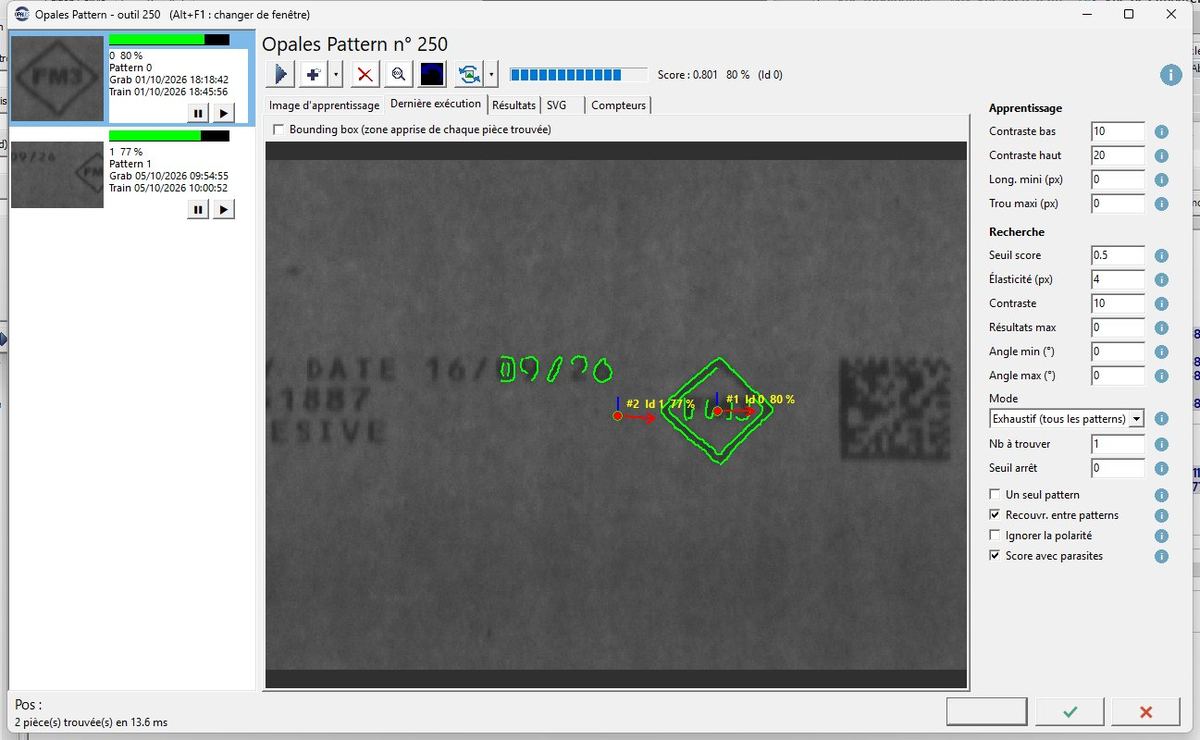
  • Opales Pattern: multi-model location, angle, mask
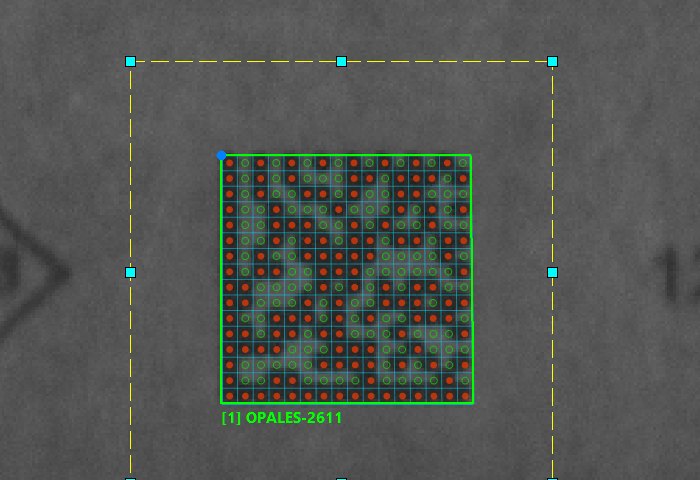
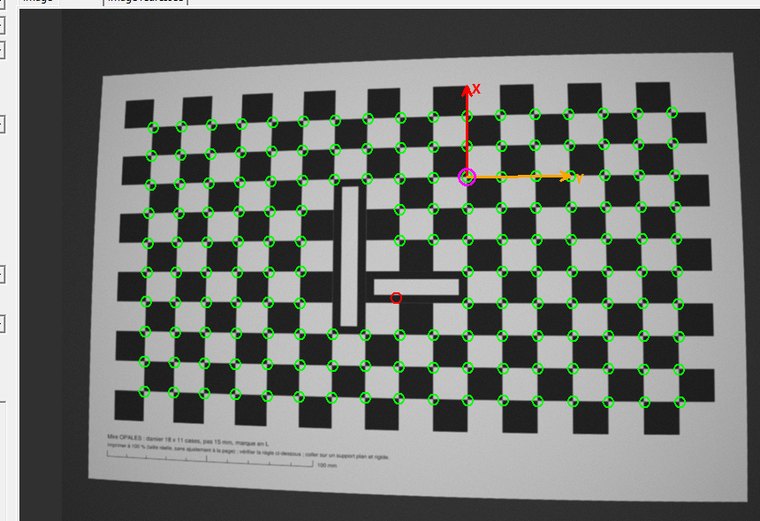
  • Calibration with a target (checkerboard, dot grid)
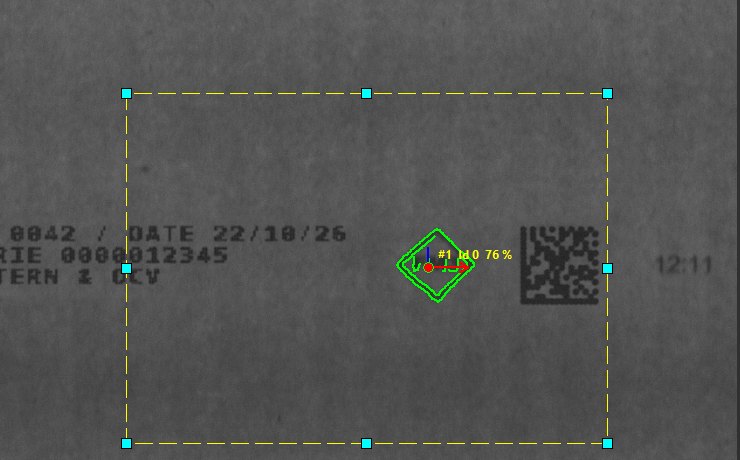
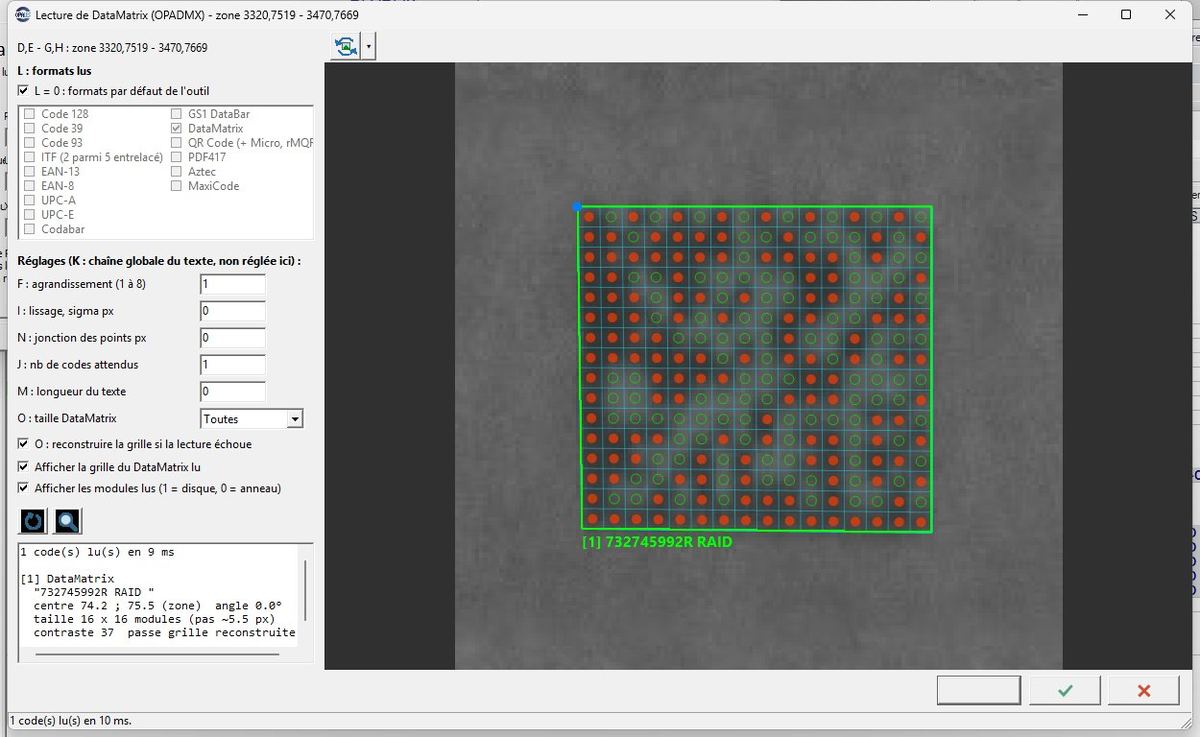
  • Barcodes and DataMatrix, even blurred or degraded
  • Colour extraction and hue deviations
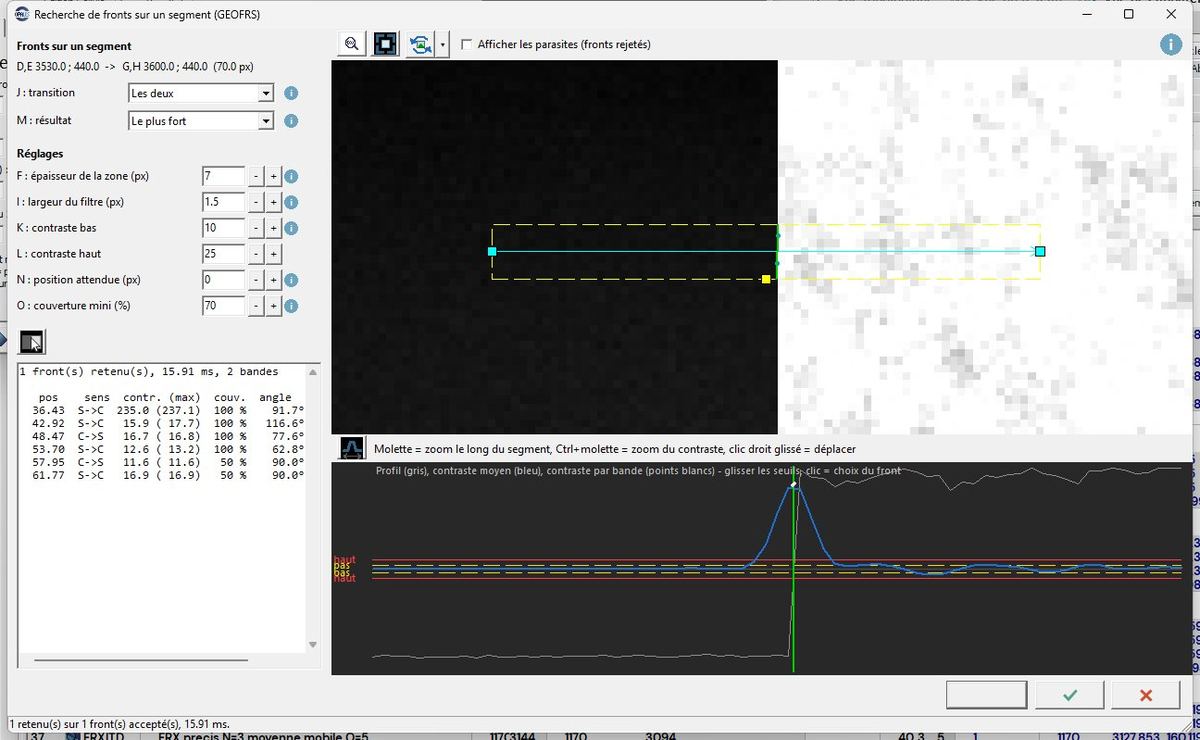
  • Caliper-type edge search
  • Built on OpenCV, integrated into VisiOpal

Vision AI (ONNX)

  • Supervised: segmentation, detection, classification
  • Unsupervised: anomaly detection with no defect to learn
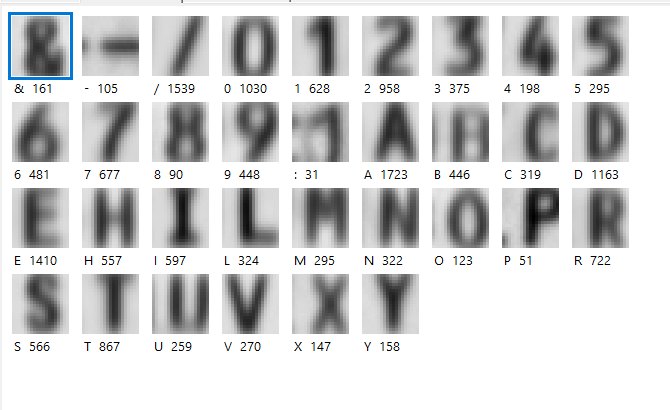
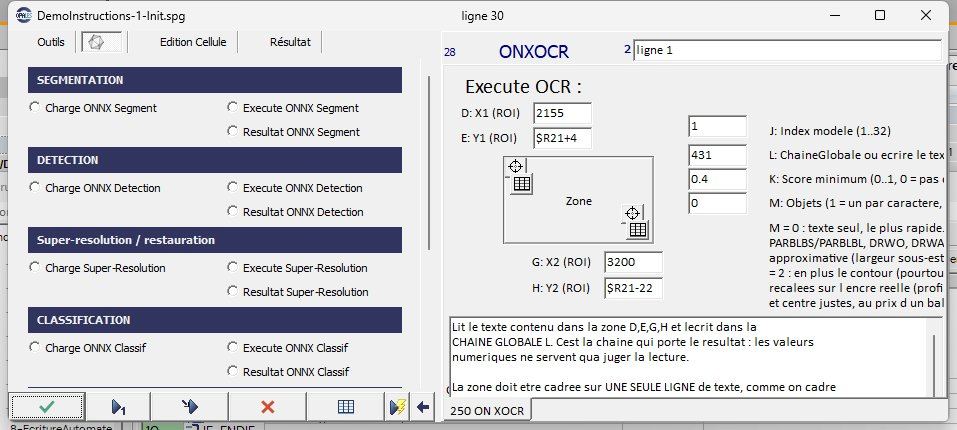
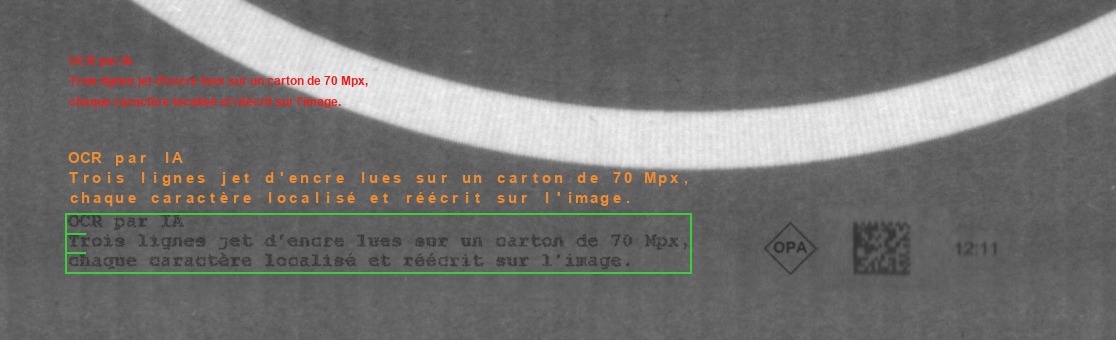
  • AI OCR: reading printed or marked text
  • Models run locally, on CPU or GPU

Programming without code

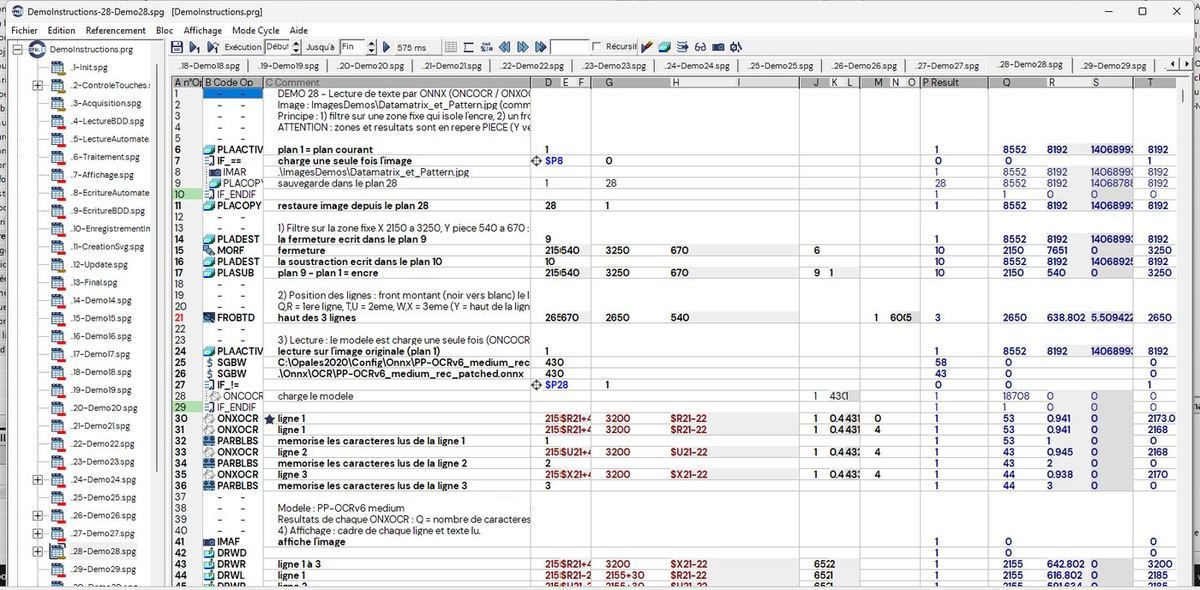
  • Each tool is a line in a spreadsheet
  • Parameters, formulas and results in the same grid
  • Reusable subprograms, tests, jumps, loops
  • Step-by-step execution and live results

And all Cognex VisionPro tools, when the project calls for them

VisiOpal integrates the VisionPro range into the same grid, with the same parameter and result conventions as the Opales tools.

Standard VisionProPatMaxEdge LearningViDi
Communication

At the heart of the line, not beside it

VisiOpal communicates directly with PLCs and equipment. Results go out in the PLC's format, and commands come in the same way.

  • Siemens: PROFINET and S7 data blocks.
  • Allen-Bradley: EtherNet/IP.
  • Schneider and open PLCs: Modbus TCP.
  • Axes and motors: positioning, tables, movements commanded by the vision program.
  • Lasers, robots, sensors: serial or network communication, robot guidance, remote measurement.
  • Inputs/outputs: triggers, indicator lights, rejectors, acknowledgements.
PLCs

Siemens PROFINETAllen-Bradley EIPSchneider Modbus TCP

Equipment

Axes and motorsLasersRobotsRemote I/O

Debugging

Simulated PLC and cameras: the program is developed and replayed at the office, before going to the line.

Databases

Results, traced and analysed

Every part leaves a trace: results, images, counters. VisiOpal writes to and reads from the database in SQL, with no external tool.

  • SQL: free queries, reading and writing from the program.
  • Microsoft Access and SQL Server: from a stand-alone PC to the plant server.
  • Table analysis: our own tools for exploring, filtering and statistics.
  • Reporting: tables, charts, history by batch or by period.
  • Export: transfer to an XLS or PDF file in one click.

Traceability

Reference read, measurement results, verdict, image of the part: everything is time-stamped and retrievable.

Production monitoring

Counters per tool and per pattern, reject rates, drifts: visible in the software without leaving production.

Reports

PDF reports and charts generated by VisiOpal, SVG files of the annotated images.

Image recording

The whole production, image by image

VisiOpal can keep every inspected image, not only the rejects: video in AVIF format is compact enough to store months of production on one disk, and every image can still be found by its date and time.

  • High compression: on a 7092 × 600 pixel line-scan image, about 50 KB per image in AVIF video encoded by the graphics card, against 630 KB in PNG and 4.3 MB in BMP.
  • Graphics card encoding: recent NVIDIA, Intel and AMD cards encode an image in a few milliseconds and leave the processor to the inspection; without a compatible card, software encoding takes over.
  • Date, time and camera: each video image is time-stamped to the millisecond inside the file itself; JPEG, JPEG-LS and PNG images also carry the date and the camera name.
  • Find a part: an image is read back by its date and time or by its number, from the program or in a window of dated thumbnails.
  • Replay production: the acquisition simulation steps through the videos image by image, to tune and validate a program on the real images of the line.
  • Open formats: .avif files readable in VLC, images exported as PNG, JPG or BMP; for measurement, lossless recording in JPEG-LS or HTJ2K.

Order of magnitude

At 10 images per second, 8 hours a day: 288,000 images, about 14 GB a day in AVIF video encoded by the graphics card, against more than 1.2 TB in BMP. A 4 TB disk thus holds nearly 280 days of production.

Why keep everything

A customer complaint, a defect found later, a new setting to validate: the image of the part concerned is there, with its time, and the program can be replayed on it.

Measured on our images

Sizes measured on real inspection images (7092 × 600 pixels, greyscale, default quality). The gain depends on the image content and on the chosen quality.

Human-machine interface

The operator screen, tailored to the customer

Buttons, images, menus, settings panels: the interface is fully configurable to respect the habits, branding and access rights of each plant.

  • Buttons freely positioned, with text, colour and image, linked to program functions.
  • Settings panels for production thresholds, with built-in help.
  • Display of the image with overlays, zoom, text and verdicts, on multiple screens.
  • Languages: translated interface, editable texts.
  • Maintenance mode separate from production mode.
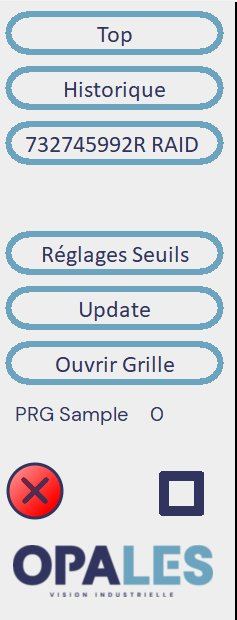
Column of operator interface buttons, in Opales colours
Configured buttons
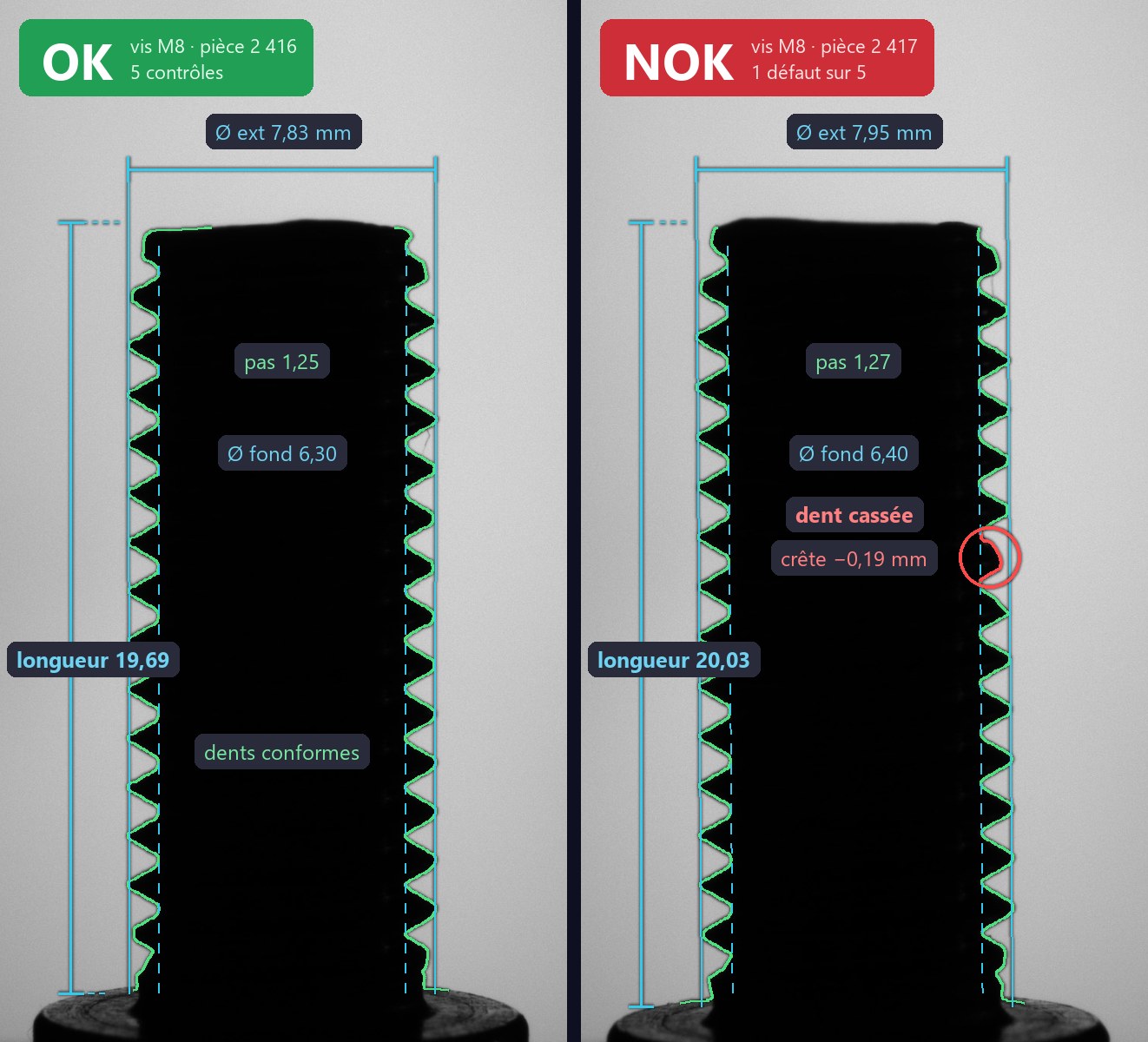
Operator display: two screws inspected side by side, one compliant (OK), the other with a broken thread tooth flagged in red (NOK)
Image and verdict in production
Openness

Open to other systems and to AI

VisiOpal is not a closed box. It embeds Python, exposes an MCP server and works with AI assistants, in the cloud or locally.

Built-in Python scripts

A Python script runs like an operation in the spreadsheet, with access to images and results. Ideal for a specific calculation or a bridge to an external library.

MCP server

Our own MCP (Model Context Protocol) server lets an AI drive VisiOpal: load a program, run lines, read results, open the editors.

ChatGPTClaude

Local LLMs

The same services work with a model hosted on site, without images or data leaving the plant.

QwenLlamaMistral

Open formats

Programs as text files, tool models as SVG files readable in a browser, AI models in the standard ONNX format: nothing is locked in.

One software package, the whole chain

From the camera to the report, VisiOpal is designed, developed and maintained by Opales, a designer of machine vision systems since 1992.

Contact us