
The settings windows of the tools
The locating, reading, calibration, colour and measurement tools each have their own window: you set the tool on the image and see the result at each change. Here is each one, illustrated with sample images.
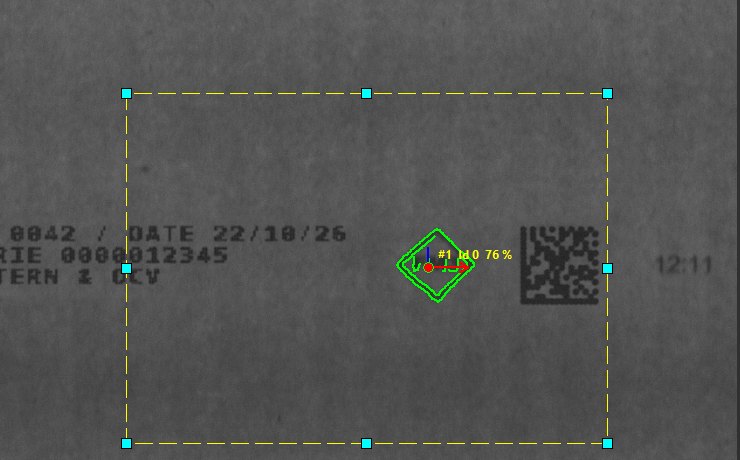
Opales Pattern: locating a part
Learn one or more models, mask what varies, find the part whatever its angle.
OPAPMSM OPAPMRM OPAPMEM
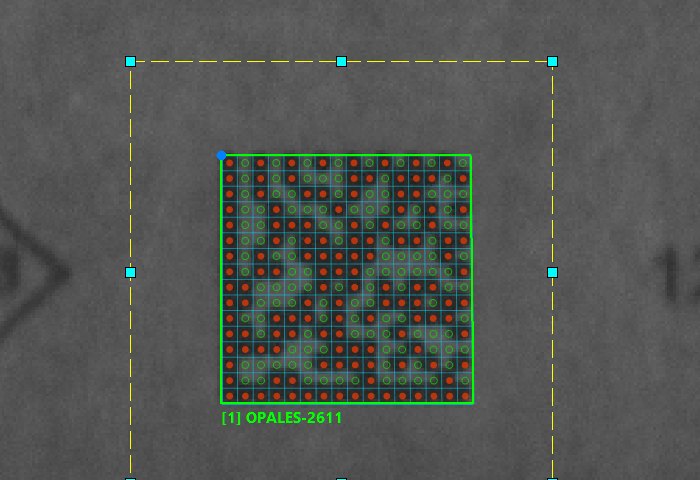
Code reading: DataMatrix and barcodes
Read a DataMatrix or a barcode, see the module grid and find a setting that reads.
OPABAR OPADMX
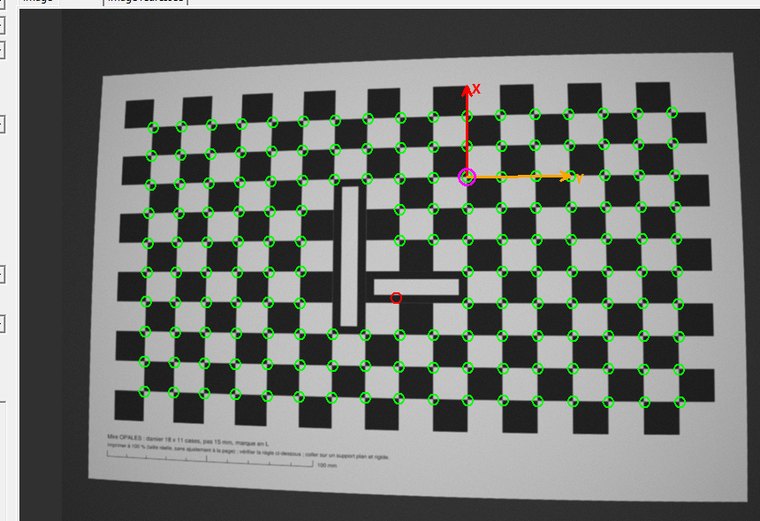
Calibration with a target
Calibrate the camera on a checkerboard or a dot grid, measure in millimetres and rectify the image.
REPXCBO REPFCBO REPPCBO
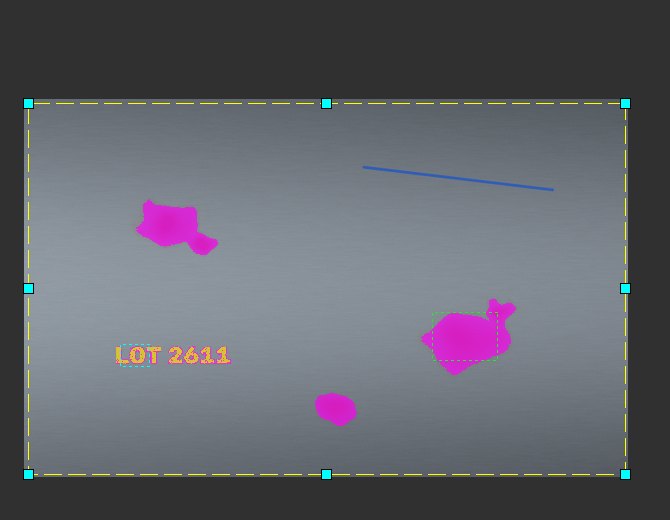
Colour extraction
Learn a colour on the image, or detect a hue shift without training, and count the pixels found.
COLCEX
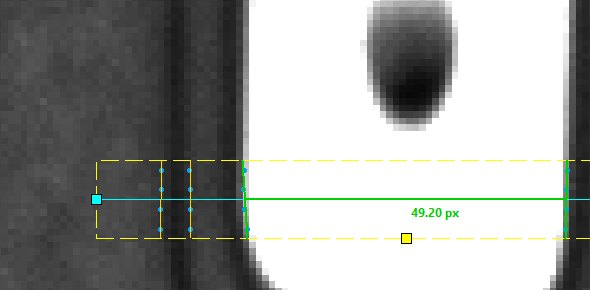
Edge search: GEOFRS and GEOFRP
Find an edge or measure the width of a band along a segment, to a tenth of a pixel.
GEOFRS GEOFRP
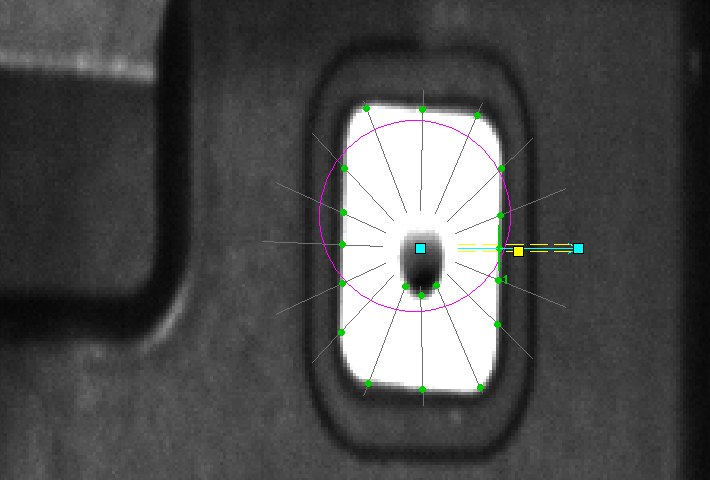
Profile and histogram settings
One window for every profile tool: edges, n cuts, profiles and histograms.
GEOPNC GEOENC GEOANC GEODNC GEOONC HISGR HISGRF HISGC HISGA HISPR
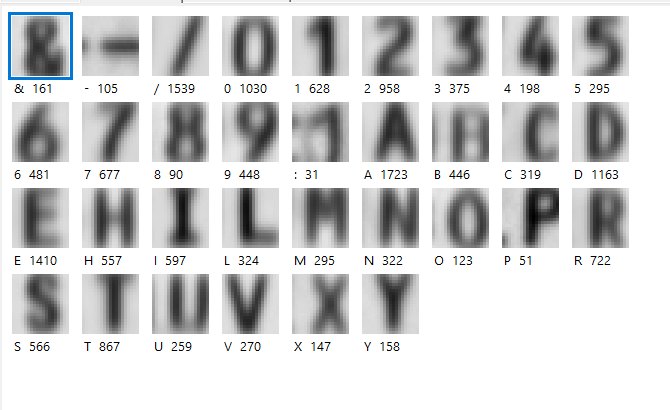
Text verification with templates (OCV)
Verify a known text in 20 ms: character templates learned on the real marking.
ONXOCV
